 Rusuban
Memory
Facts it keeps about you, by source, that you can see, edit, switch off and forget, down to deleting a whole source from Pinecone.
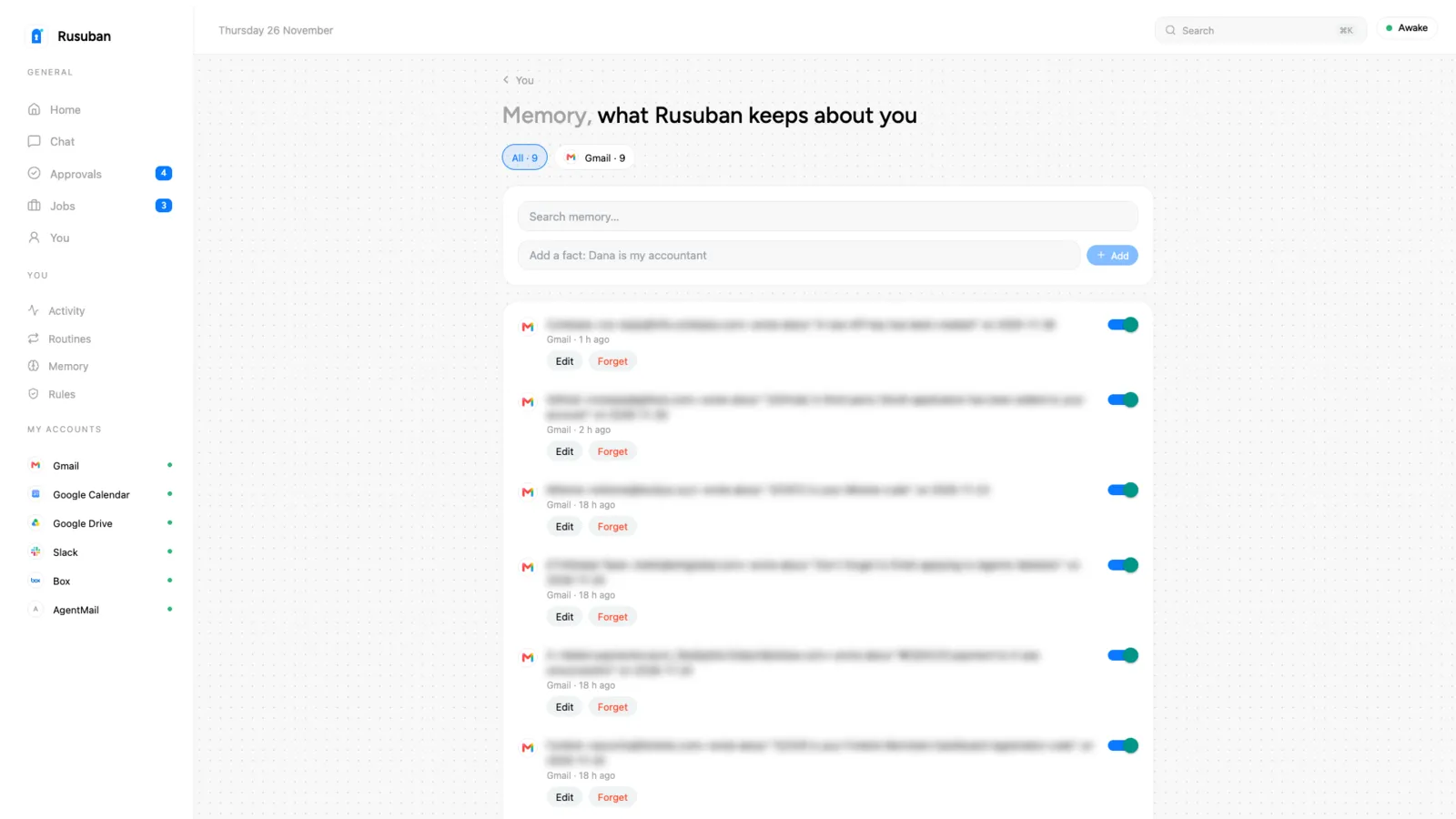
What it remembers
- What you tell it. A fact is saved only when your own latest message states it, which Jev checks (70% or more). Text the agent read in an email or on a page can't plant a memory.
- What it learns from your accounts, recorded with the source it came from.
- Never what a stranger writes to Rusuban's inbox.
You can also Add a fact yourself ("Dana is my accountant").
Where it lives
Each fact is stored twice: in the agent's database, with a keyword index for search, and in your own Pinecone project, one namespace per source (Gmail, Calendar, Slack…), where Pinecone embeds it for meaning-based search. When the agent answers, it recalls the five closest facts for your words. The text it uses always comes from the database, so what you see on this screen is what it uses.
If Pinecone isn't connected, memory works on keywords only and the screen says so.
Controls
| Control | Effect |
|---|---|
| Switch | stop using a fact without deleting it |
| Edit | change its wording |
| Forget | delete it here and in Pinecone |
| Forget everything from … | deletes every fact from that source and the whole namespace in Pinecone. It asks first and can't be undone. |
Disconnect and forget on the Connections screen does the same for a whole account, and also deletes the items the agent kept from it.
A Rewind keeps forgotten facts forgotten.
Mini-apps
Dashboards from your own data: built in the workshop from the shape of the data only, published after your OK, and run in a sandbox with no network.
Routines
Everything that runs on its own in one list, with switches, Run now, history and Undo, plus routines you write in your own words and quiet hours.