 Rusuban
Mini-apps
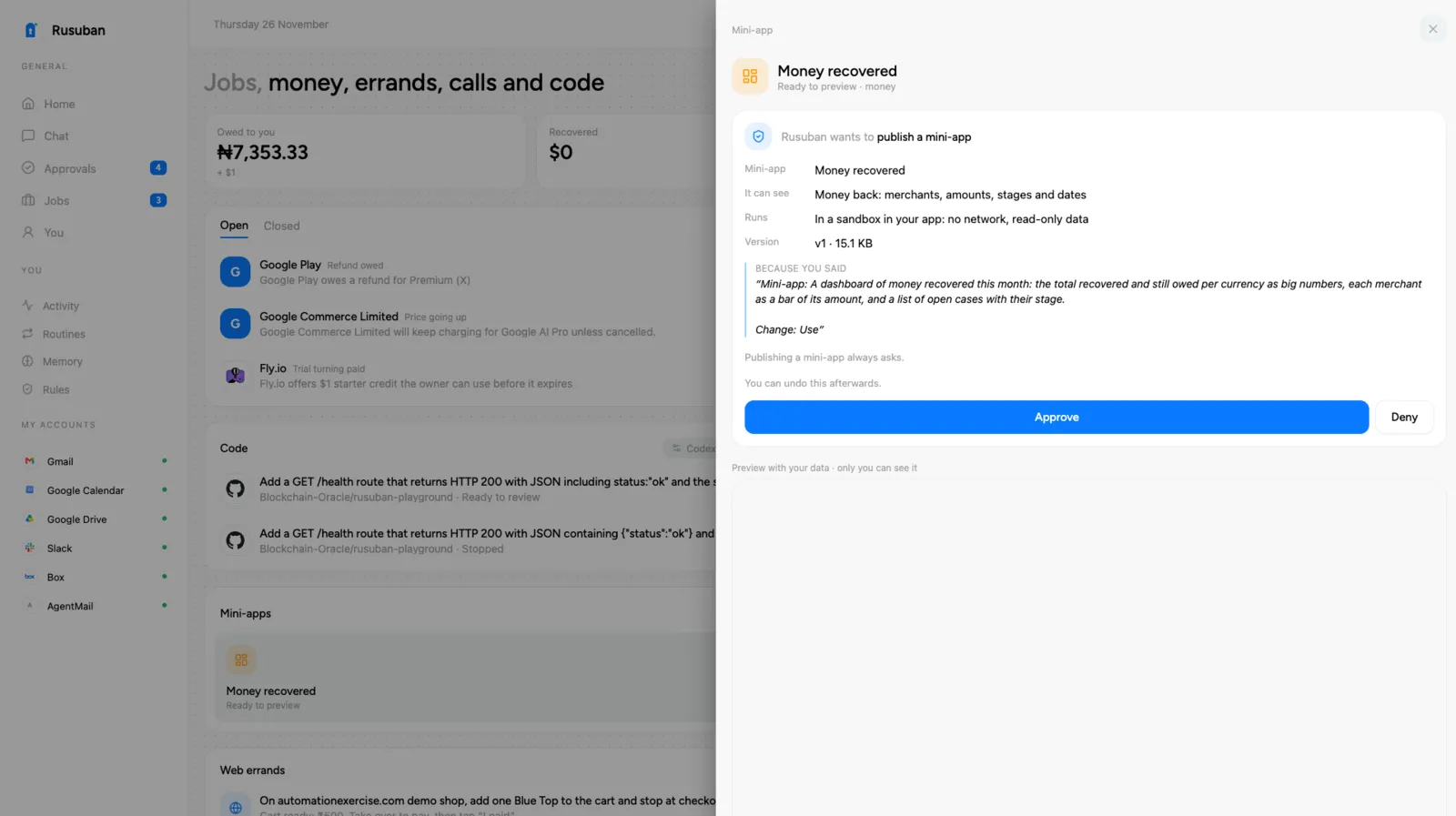
Dashboards from your own data: built in the workshop from the shape of the data only, published after your OK, and run in a sandbox with no network.
Ask for one
In chat, or Jobs → Mini-apps → New mini-app: give it a name, say what it should show, and choose what it may see:
| It may see | |
|---|---|
| Money back | merchants, amounts, stages and dates |
| Phone calls | businesses, goals, status and outcomes (no numbers) |
| Watchers | pages, targets and latest readings |
| Needs-you items | titles, senders, sources and why they matter |
| Activity | what your agent did and how it went |
| Code tasks | repos, status and pull requests |
Built without your data
The builder in the workshop sees only the shape of the data (a schema) and a made-up sample, never the real thing. It returns one self-contained page.
Running it
After you approve publishing, it reads your current data each time you open it in the app, and runs in a sandboxed frame: scripts only, no network (connect-src 'none'), no forms, no access to the app around it. On a phone it runs in a web view that refuses to navigate anywhere.
- Preview with your data · only you can see it before you publish.
- Change something and Rebuild makes a new version; publishing a new version is another card.
- Share a link makes a card too. The link shows a frozen snapshot, read-only, to anyone who has it, with no sign-in; Turn off revokes it.
- Undo a publish restores the previous version and revokes its share links. Archive puts it away.
Code tasks
Ask from your phone. A coding agent works on a copy in a separate, locked-down Sprite; you read the diff, rebuilt from GitHub's own files, and approve a draft pull request.
Memory
Facts it keeps about you, by source, that you can see, edit, switch off and forget, down to deleting a whole source from Pinecone.