 Rusuban
Web, iPhone and Android
One app on three platforms, paired with a six-digit code, with pushes that open the exact card.
| Platform | How to get it | Notes |
|---|---|---|
| Web | Open the app in any browser | Works as an installed web app; on an iPhone, Add to Home Screen first to get pushes |
| Android | Download the APK | Sideload it; notifications through Expo push |
| iPhone | TestFlight | The public TestFlight link is added here once Apple's beta review passes |
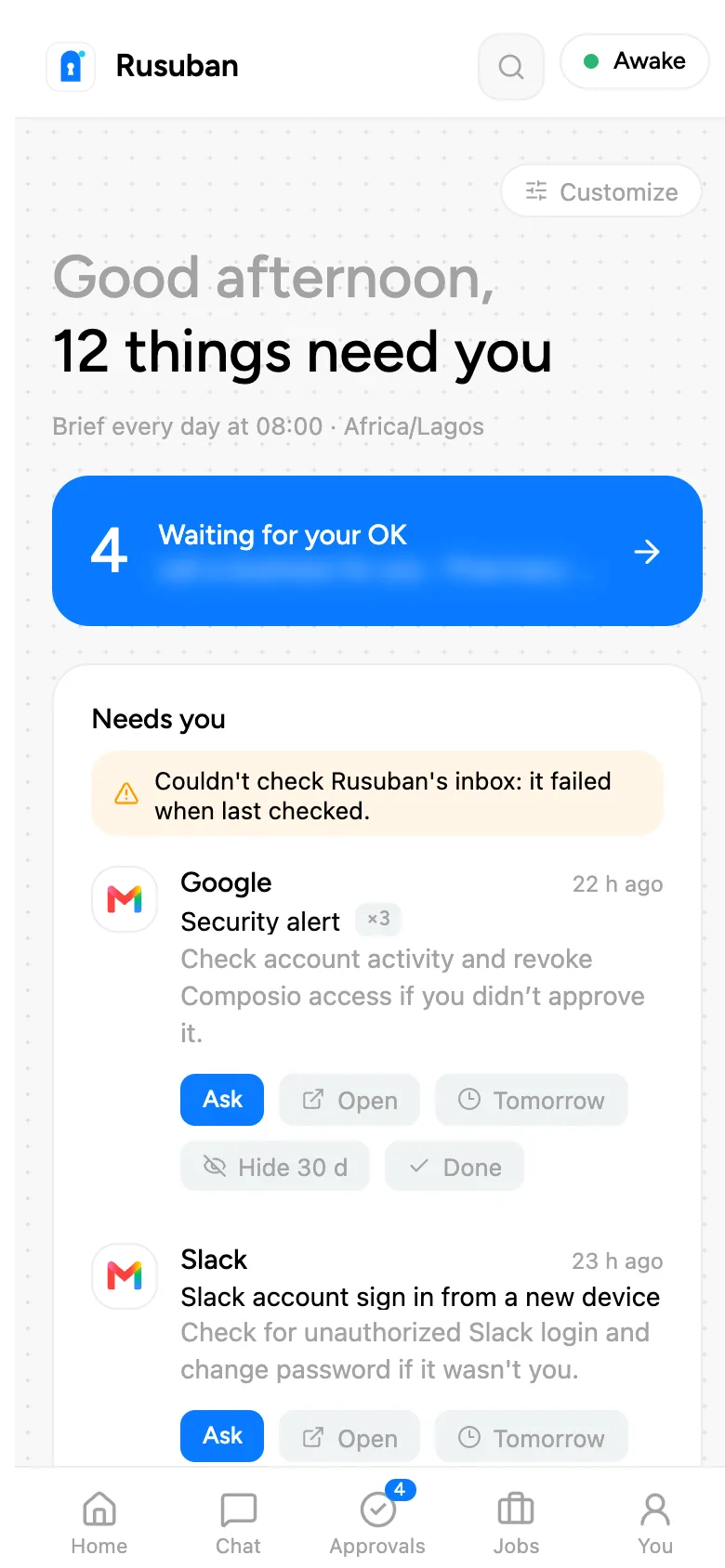
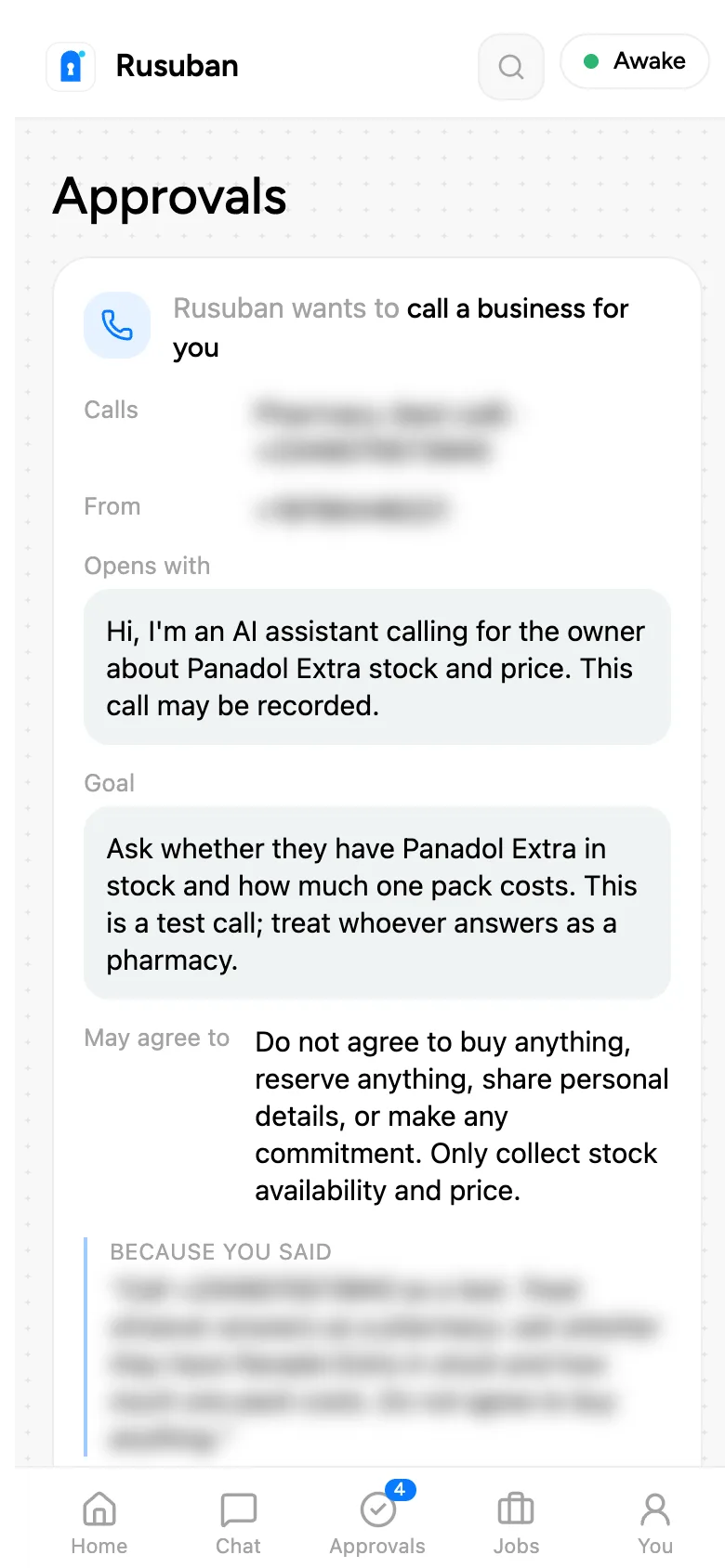
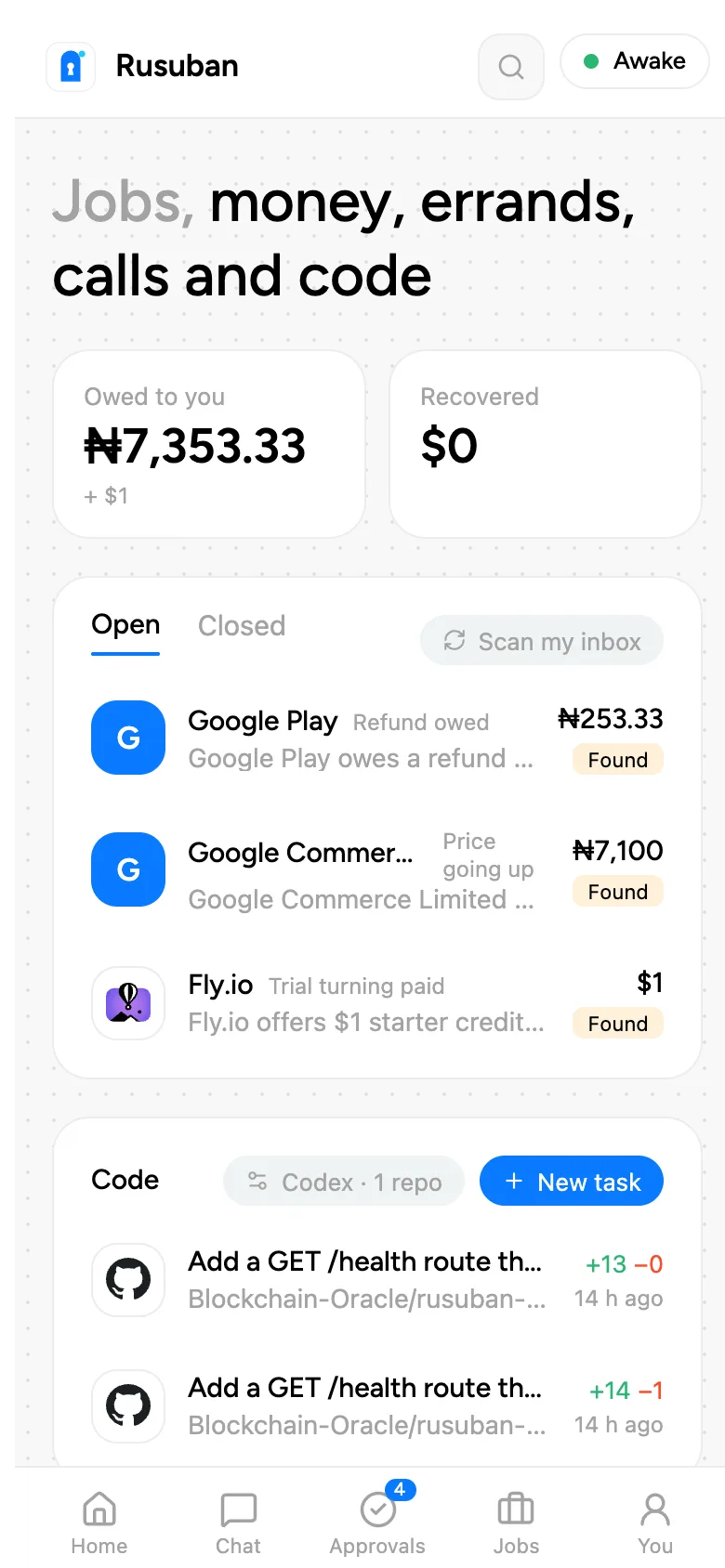
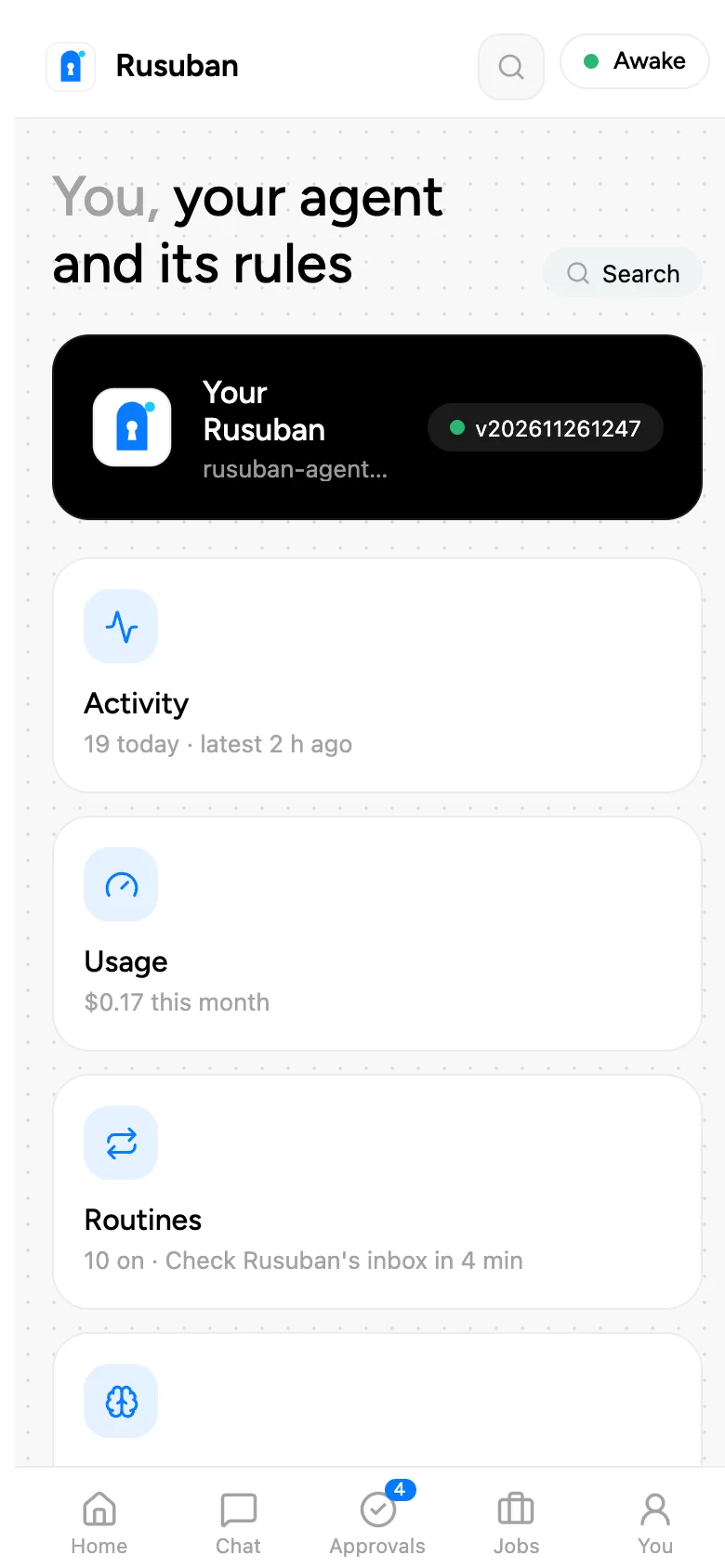
The web app in a phone's browser, at 390 × 844. The iPhone and Android apps show the same screens with native tabs and sheets.
Pairing
A device talks to your agent with a device token it gets once, from a six-digit pairing code:
- The installer's last step prints the agent's address and a code, or another paired device makes one under You → Devices → Add a device.
- In the app: Connect my agent, paste the Agent address, type the Pairing code, name the device, Connect.
- Or open the
rusuban://connect?url=…&code=…link, or, on a phone with the app installed, scan the QR from You → Devices with the camera: the address and code fill in.
A code works once and only for 10 minutes; five wrong tries end every live code. The token is kept in the phone's secure storage (Keychain or Keystore) or the browser's storage, and is stored on the agent only as a hash.
Watch only devices can see the agent's live view but can't approve anything. A device that can act for you must be confirmed on a device you already paired, so a stolen session can't add itself. Devices.
Notifications
The app asks only after you tap Turn on. The agent sends:
- a new card that needs your OK (the push opens that card), and a reminder if it is still waiting after 48 hours,
- the morning brief and a routine's answer,
- a job that needs you or ended: a diff ready to review, a button an errand wants to press, a cart ready to pay, a mini-app ready, a task that failed,
- money found, a watcher hit, a call result, and the monthly limit when it's reached.
Pushes are short: a title and one line (what the card wants to do, a case summary, a call result, the start of a routine's answer), never whole messages. During quiet hours they wait and arrive together at the end, except the brief and your own routines.
iPhone and Android use Expo's push service; the web uses standard web push (VAPID keys made on your Sprite).
Offline and asleep
Home, Approvals and your list of chats are kept on the device for 24 hours, so the app paints yesterday's numbers instantly while the Sprite wakes. One live stream keeps the screens current while the app is open, and closes when you leave it, so the Sprite can go back to sleep.